
How texting consent works
Last updated: 2026-10-02
senior-bridge (SENIOR-BRIDGE LLC, written “Senior Bridge” in texts) sends friendly check-in text messages to older adults, and alert texts to the family caregivers who look after them. The only way anyone starts getting our texts is by texting the keyword JOIN to (502) 305-5317 from their own phone. That text is their consent. Nobody can opt in on someone else’s behalf, we never text a number first, and typing a phone number into our website or dashboard sends nothing and is not consent.
The call to action
This is what people see or hear before they opt in. It appears on this page, on a printed card family members hand to the older adult, and as a script our dashboard gives family members to read aloud.
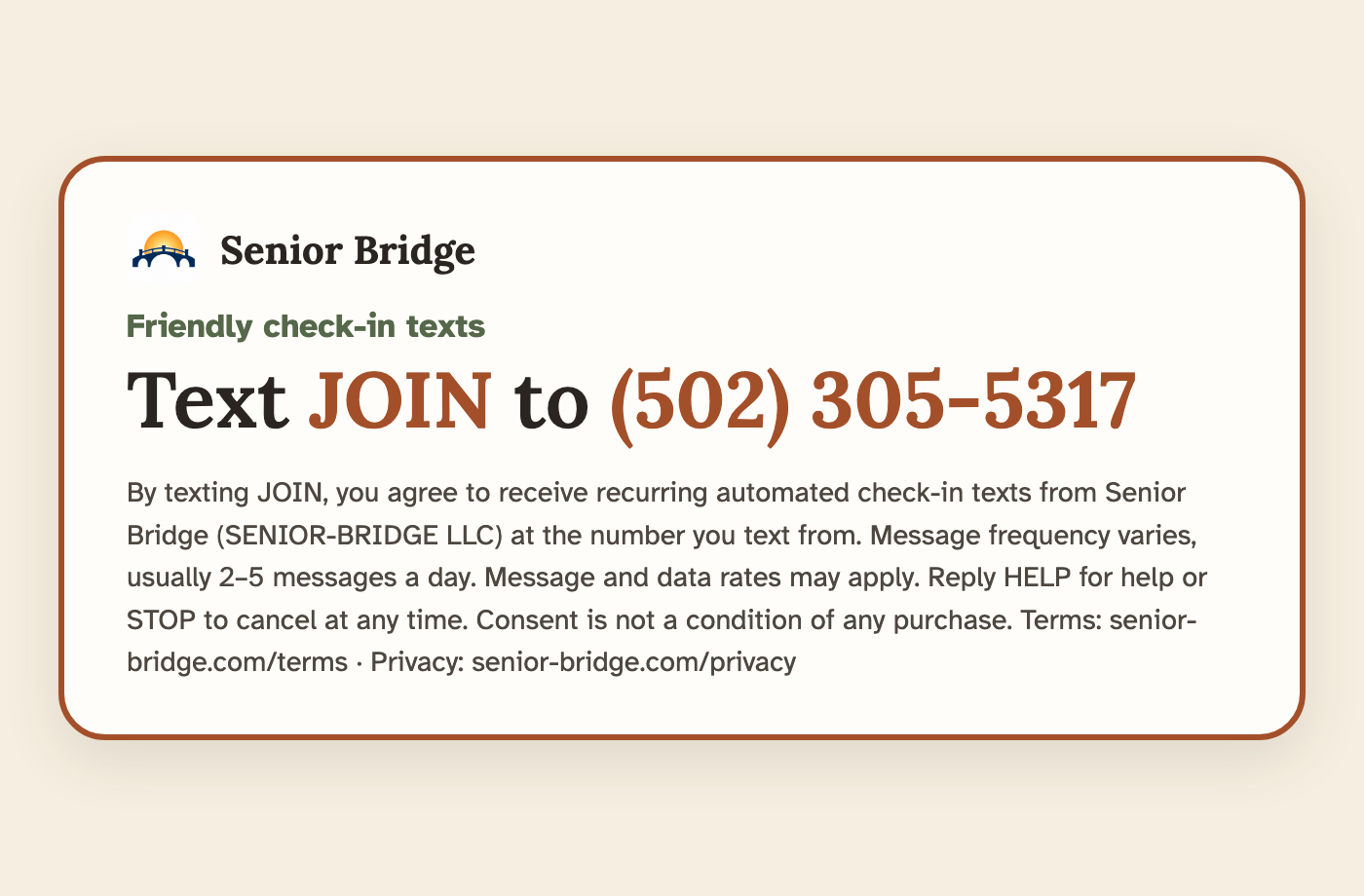
Friendly check-in texts from Senior Bridge
Text JOIN to (502) 305‑5317
By texting JOIN, you agree to receive recurring automated check-in texts from Senior Bridge (SENIOR-BRIDGE LLC) at the number you text from. Message frequency varies, usually 2–5 messages a day. Message and data rates may apply. Reply HELP for help or STOP to cancel at any time. Consent is not a condition of any purchase. Terms: senior-bridge.com/terms · Privacy: senior-bridge.com/privacy
Card as an image · The printed card family members give to the older adult.
The spoken version (shown in the dashboard for family members to read aloud, word for word):
“If you’d like friendly check-in texts from Senior Bridge, text the word JOIN to (502) 305-5317 from your phone. They come usually 2 to 5 times a day. Message and data rates may apply. You can text STOP any time to stop them, or HELP for help.”
How someone opts in
- They see or hear the call to action above, on the printed card, on this website, or from a family member reading the script.
- They text JOIN to (502) 305-5317 from their own phone. That text is their opt-in. (YES and START also work.)
- We reply once with a confirmation that names Senior Bridge, says these are recurring texts, gives the frequency (usually 2–5 a day), says message and data rates may apply, and explains HELP and STOP. Check-ins begin after that.
- If they never text JOIN, they never hear from us. If they text us something else first, we reply at most once a day explaining how to reply JOIN or STOP.
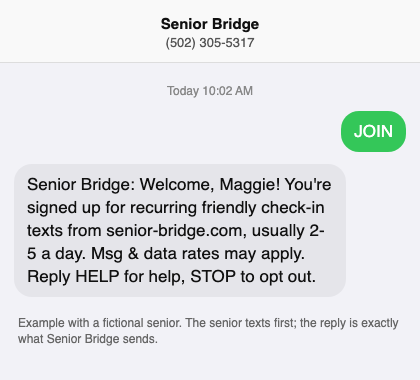
They text JOIN; we send one confirmation. Exact wording, with a fictional senior.
The exact texts:
- Keyword: JOIN (YES or START also work), texted to (502) 305-5317.
- Our confirmation: “Senior Bridge: Welcome, Maggie! You're signed up for recurring friendly check-in texts from senior-bridge.com, usually 2-5 a day. Msg & data rates may apply. Reply HELP for help, STOP to opt out.”
- If they text something else first (at most once a day): “Senior Bridge: To start friendly check-in texts (usually 2-5 a day), reply JOIN. Msg & data rates may apply. Reply STOP to opt out.”
When family helps set things up
Family members often tell an older adult about Senior Bridge and give them the card above. A family member’s account lets them prepare the profile (nickname, interests, schedule) so the companion knows them from the first text, but nothing a family member does is consent, and no text is sent because of it. The older adult’s texts start only when they text JOIN from their own phone. People who manage their own account do the same: their texts start only after they text JOIN to (502) 305-5317.
Caregivers and emergency contacts: they text JOIN too
A caregiver (or a self-managed senior’s emergency contact) chooses which alerts they want in the dashboard: urgent safety alerts, gentle “hasn’t replied in a while” notices, weekly summaries. Email alerts work right away. Alert texts start only after that person texts JOIN to (502) 305-5317 from their own phone; the dashboard shows “SMS after they text JOIN” until they do. We reply once: “Senior Bridge: You're signed up for alert texts about Maggie. We text only when something needs your attention, plus occasional notes you choose. Msg & data rates may apply. Reply HELP for help, STOP to opt out.” They can change or turn off alerts at any time, or reply STOP.
What we send, and how often
- To seniors: a morning and evening check-in, replies when they text us, reminders their family sets, and optional weekly extras (a newsletter link, a picture of their week). Usually 2–5 messages a day.
- To caregivers: alerts only when something needs attention, plus an optional weekly summary.
- No marketing or promotional messages, ever.
Opting out, help, and privacy
- Reply STOP at any time to stop all messages; you'll get one confirmation. Text START to opt back in. Reply HELP for help, or email [email protected].
- Message and data rates may apply. Carriers are not liable for delayed or undelivered messages.
- We do not sell or share your SMS opt-in data or personal information with third parties for marketing purposes. No mobile information will be shared with third parties or affiliates for marketing or promotional purposes. Text messaging opt-in data and consent are not shared with any third parties. See our Privacy Policy and Terms of Service.